beorg 2026.10 is now available, bringing support for Liquid Glass, a new Shortcuts action for creating tasks, and a couple of bug fixes.
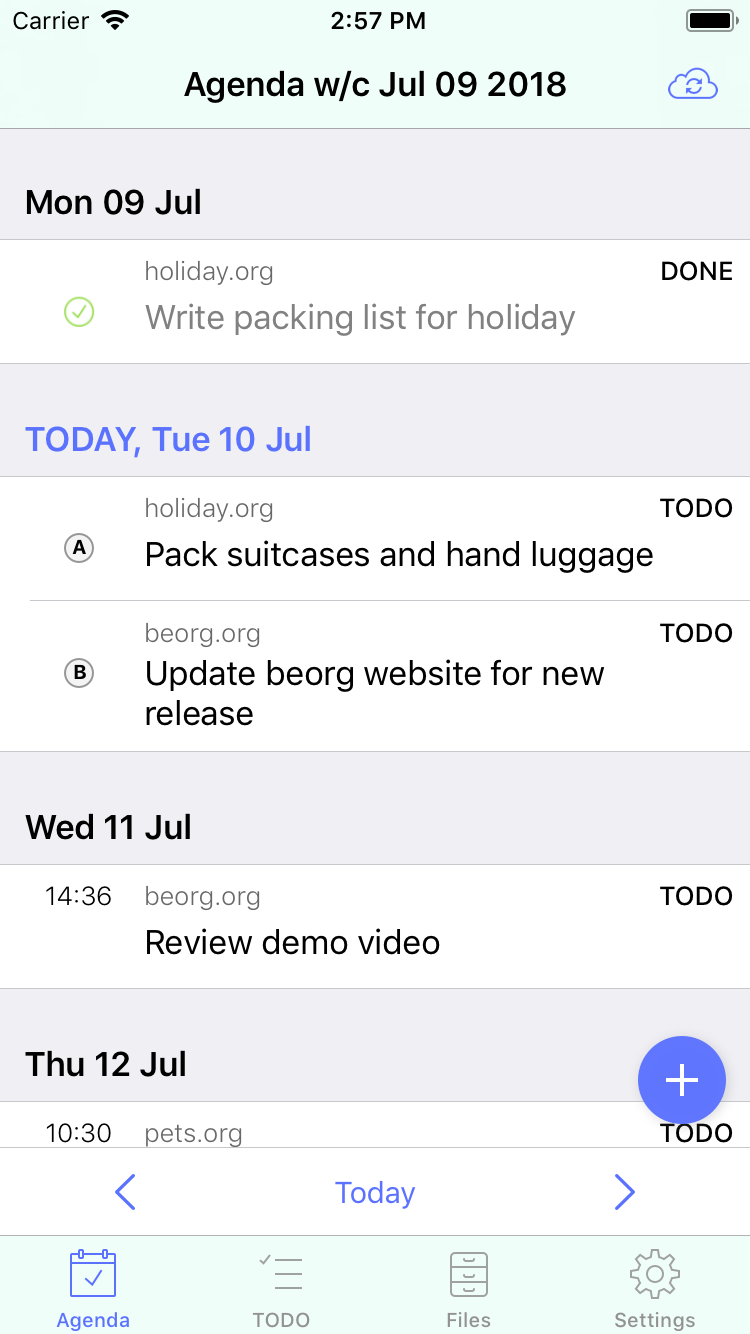
Liquid Glass is the new design language Apple introduced with iOS 26, and has continued to refine in iOS 27. beorg has been updated to adopt the new look and feel, helping it feel more at home alongside other apps on the latest versions of iOS and iPadOS. On older versions of iOS the app continues to work just fine - beorg runs on iOS 16.6 and above.
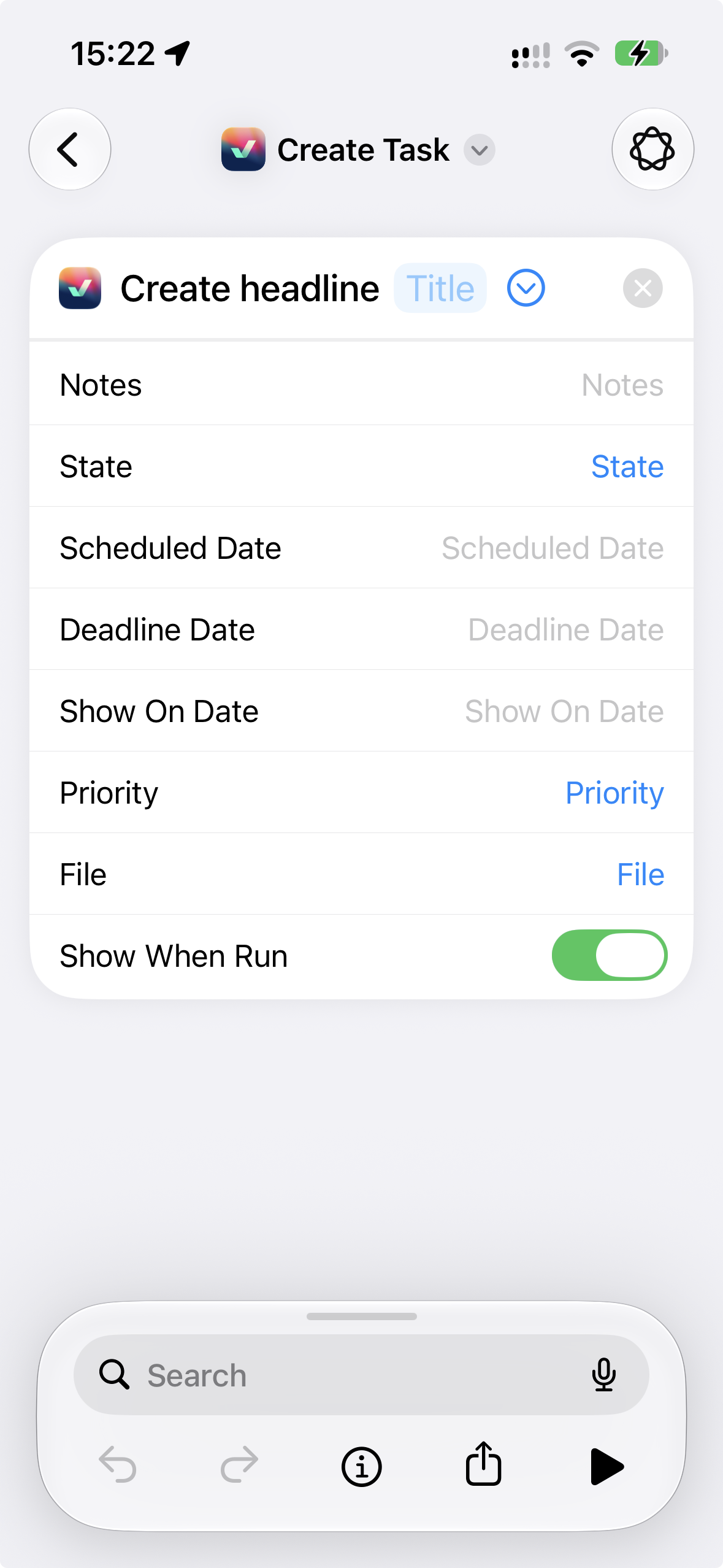
beorg 2026.10 also adds a new Create Headline action to Apple’s Shortcuts app. This gives you another way to automate getting information into beorg. When creating a headline you can specify its headline, notes, file, dates, priority and state. You can combine this with all of the other actions and automations available in Shortcuts. For example, you could build a Shortcut which asks for some information and turns it into a task in beorg, or use it as part of a larger workflow involving other apps.
There is one important detail to be aware of. When the Create Headline action runs, the new headline isn’t immediately written to your Org files. Instead, Shortcuts tells beorg what it needs to create, and the headline will be added the next time you open beorg and a sync completes.
There is a good reason for doing it this way. Your Org files may have been changed remotely since beorg last synced — perhaps on another device or using Emacs on your computer. Writing directly to an old local copy could therefore result in a merge conflict or overwrite changes you have made elsewhere.
Waiting until the next sync means beorg can first retrieve any remote changes before safely adding the new headline.
I’m hoping to add more Shortcuts actions in coming releases.
There are also two bug fixes in this release.
- If you create a new item using a template which applies the crypt tag, its contents will now automatically be encrypted. This brings the behaviour of the new outliner in line with the old item editor.
- I’ve also fixed an issue when using the beorg URL scheme to create a new file. If you had the new outliner enabled, the newly created file could still open using the old outliner. It will now correctly open in the new outliner.
Thanks to those users who reported the above bugs.
As always, if you spot anything which doesn’t work as you expect, or have suggestions for future updates, please get in touch.